Moved here in the wake of the great tumblr nsfw purge of 2018. What's currently here are my archived posts from that blog. Multi-fandom artist and writer. I also have a DeviantArt under the same username.
I just had to explain what I was cackling at to my roommate. It automatically passes the Laugh Rule.
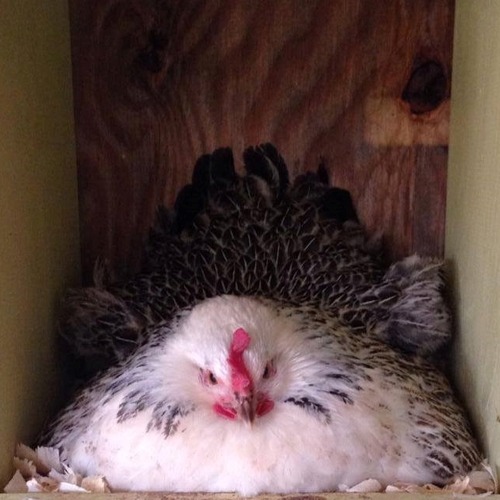
She found her reluctant fiance, Erstad, brooding out on the rainy moors.
“Is that a baby rabbit?” she asked, observing his huddled form.
“IT’S SIX BABY RABBITS AND YOU CAN’T TOUCH THEM,” replied Ernstad, contriving to look twice his usual size and at least three times his usual fierceness.
y’all ever see a sibling interaction in media and just know….it was written by an only child
It’s weird when sibilings apologize in the movies. Because sibilings only apologize when they did something really really bad, like murder someone or something, otherwise the sibilings just casually start to talk to each other as if nothing had happened.
Remember a few months ago when it felt like every single website in existence updated their privacy policy? That was because of GDPR, the General Data Protection Regulation from the EU.
Another part of GDPR? Right of access / right to data portability.
What this means is that if you ask for it, companies are to give you access to your data so that you could theoretically move it to another service. Many companies have done this by allowing you to export your data and download it. Even if a company doesn’t provide an automated way, you should still be able to contact them and they should provide your data – it doesn’t have to be automatically generated and downloadable.
Tumblr does provide an automated way to export your blog. This should be done individually for each sideblog as well, if you want. (These are instructions for the website – not the app.)
Go to your blog settings page, ie https://www.tumblr.com/settings/blog/<your-blog-name>.
Look for the Export section (currently at the bottom)
Click the “Export <your-blog-name>” button.
Depending on the size of your blog, it may take a while to generate the export. It will say that it’s processing, and you can reload the page and come back later to check if it’s done.
When your export is processed and ready, the Export section will have a button to download.
Once you’ve downloaded the file, extract it to a folder on your computer. It will contain:
A media folder with images, gifs, videos, and audio files.
A messages xml file. Your messages are in here, even if it doesn’t look “human readable” and is gibberish to you, I promise. There are tools that will “beautify” xml to make it more readable.
A posts.zip file. Extract this and you’ll see an html folder that has an html file for each of your posts.
Holy shit they finally did it.
BTW, the size of the export varies wildly based on how much media content is on your blog. I’ve got a main and a sideblog with a little over 6000 posts each, one a bit heavier on text, the other skewing more towards photosets and the like. The zip files are 3 gigs and 11 gigs respectively.
Bruh religious or not there’s no debating that Dreamworks Prince of Egypt (1998) is a masterpiece and one of the most visually stunning works of animation of all time. The parallels between Yocheved and Miriam singing the River Lullaby as a tear runs down their cheek and the wind blows their hair in front of their face? Incredible. The use of hieroglyphics to show how Moses learned that his father ordered the Hebrew babies slaughtered??Ingenious. The duet between Moses and Ramses where the choir chants in the background while you watch the plagues destroy Egypt and Moses is begging Ramses to let his people go and Ramses refuses and it shows them facing each other and then side by side and then Ramses walking away while Moses stands firmly??? Intense. When Moses parts the sea and the Hebrews are walking between the water and lightning strikes in the background, illuminating the silhouette of a giant shark swimming in the wall of water???? Iconic. The entire movie is just absolutely breathtaking and that’s just tea













 DarkestElemental616